Logs
Deployment logs help you identify and monitor whether or not your model or backtest active and working as intended
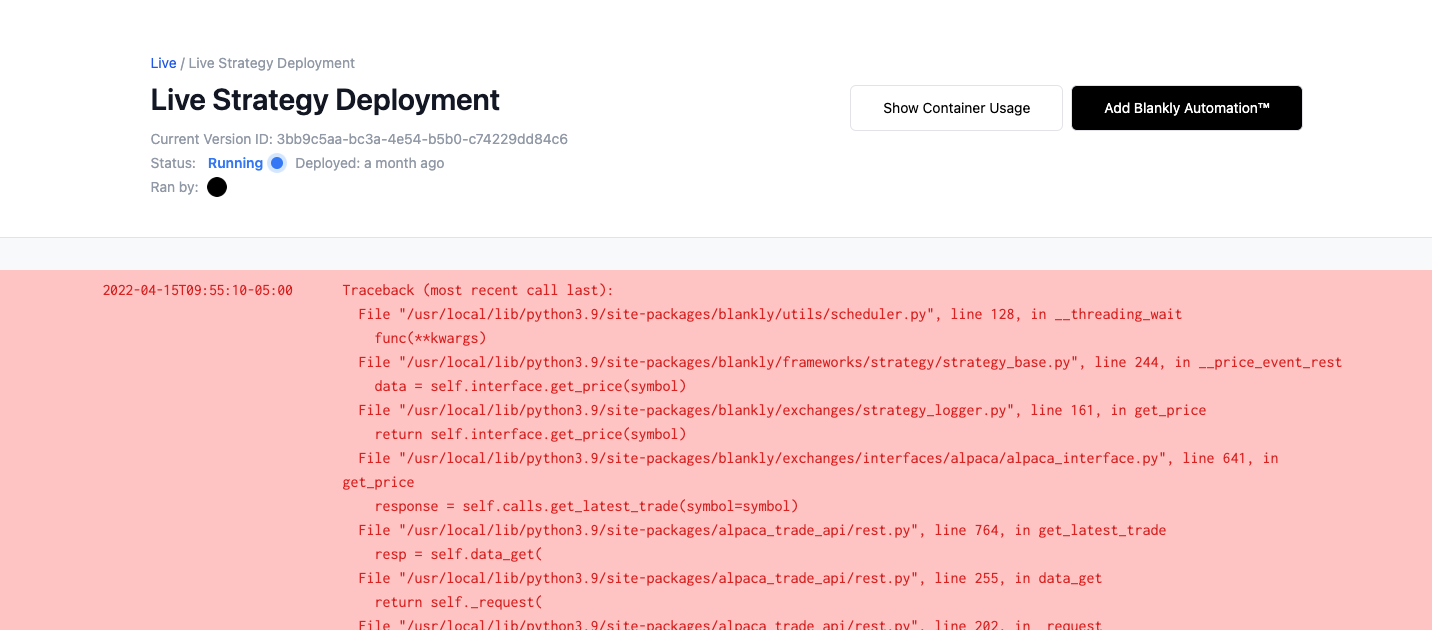
Simply clicking on the Live tab and hitting View Deployment Logs will give you access to all of your logs and allow you to quickly debug and monitor your model. You can also monitor your logs within the Backtest tab, selecting your specific backtest, and hitting View Logs
tip
We handle keeping track of all of your print statements and error statements by reading from I/O