Using Starter Models with the CLI
On the overview page of the platform, scroll down to "Duplicate a Starter Model". Here you can pick a starter model to copy and run on your account.
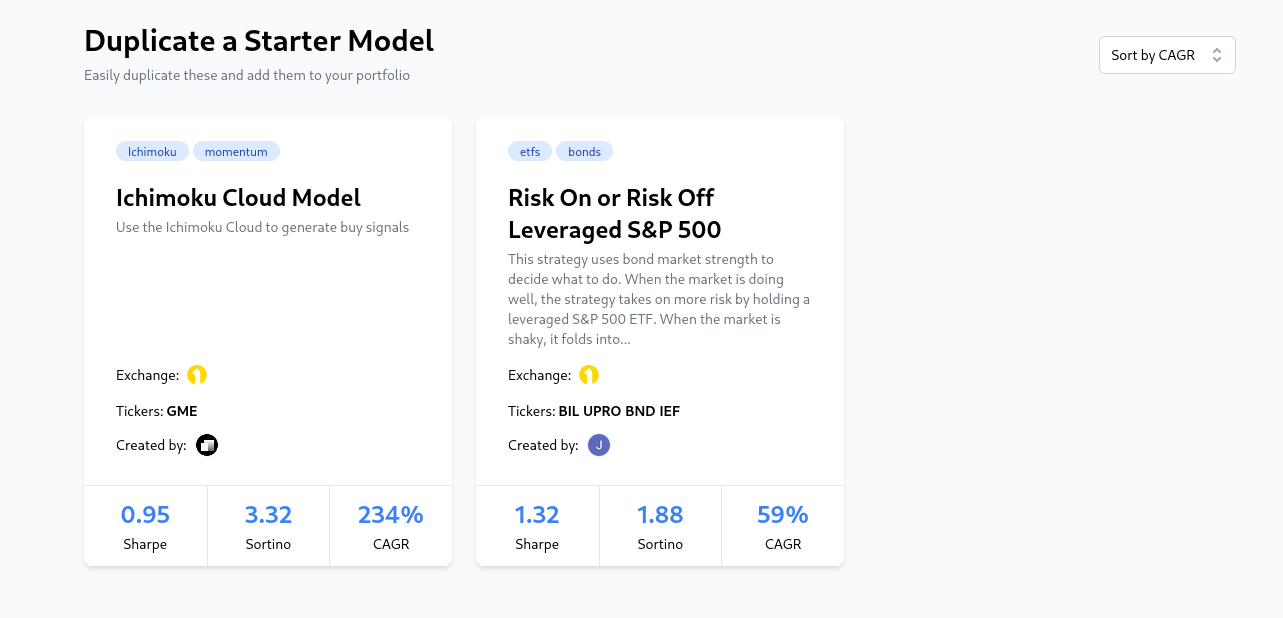
Click on any model, then select "Duplicate model with CLI".
The platform will guide you through getting started with the cli and initializing your model.
Then, the blankly CLI will interactively guide you through adding keys to your model and connecting to the platform. When it asks if you would like to connect to an existing model or new one, select 'Existing Model' and connect it to the starter model you selected.